PICKit 4 PG164140 MPLAB
![PICKIT4 PG164140 MPLAB]()
![PICKIT4 PG164140 MPLAB]()
![PICKIT4 PG164140 MPLAB]()
![PICKIT4 PG164140 MPLAB]()
![PICKIT4 PG164140 MPLAB]()
![PICKIT4 PG164140 MPLAB]()
![PICKIT4 PG164140 MPLAB]()
![PICKIT4 PG164140 MPLAB]()
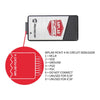
Designed as the successor to the PICkit™ 3, the PICkit™ 4 offers faster programming speeds, a wider target voltage range, and support for more advanced debugging interfaces. It automatically matches the target device clock speed, ensuring optimal performance while programming or debugging.
The PICkit™ 4 is powered via USB 2.0 and can also be self-powered from the target device. With support for Programmer-to-Go (PTG) and an onboard microSD card slot, developers can store firmware and program devices in the field without a computer, making it an ideal tool for both development labs and production environments.
-30%



Specification
Description
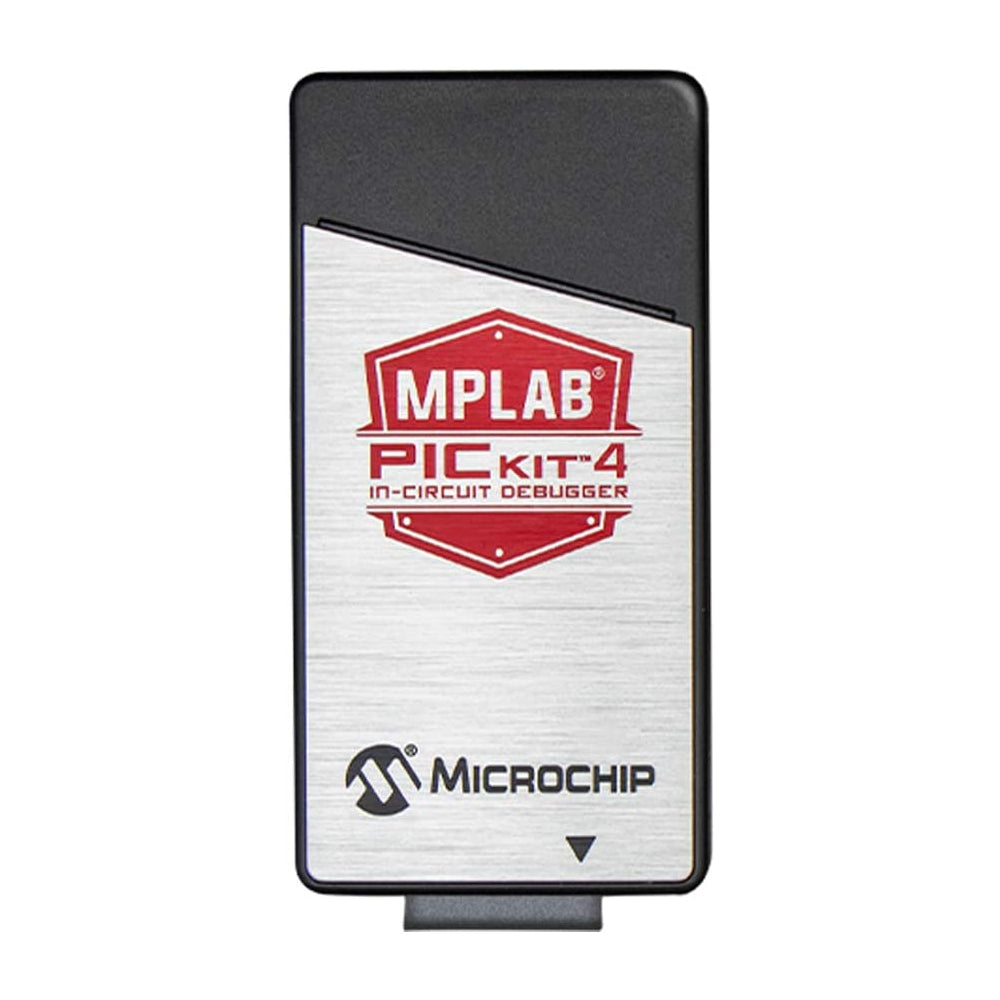
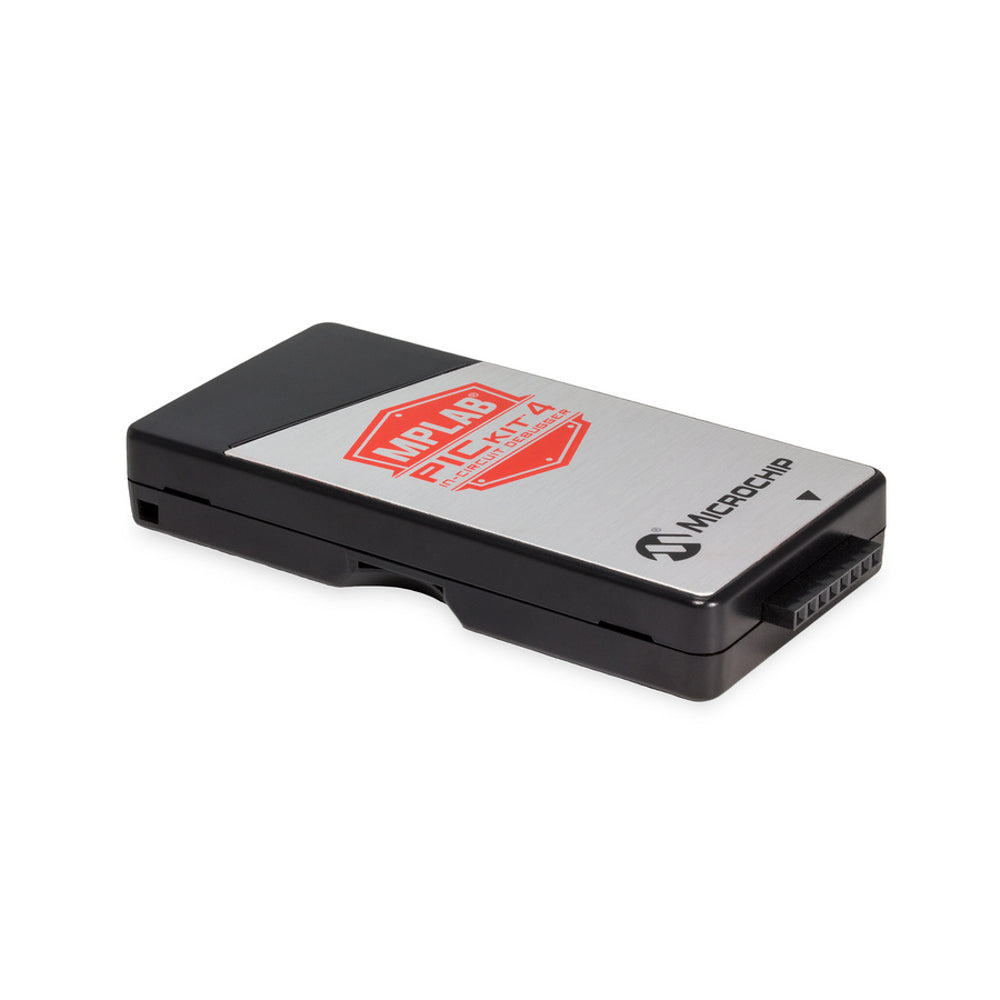
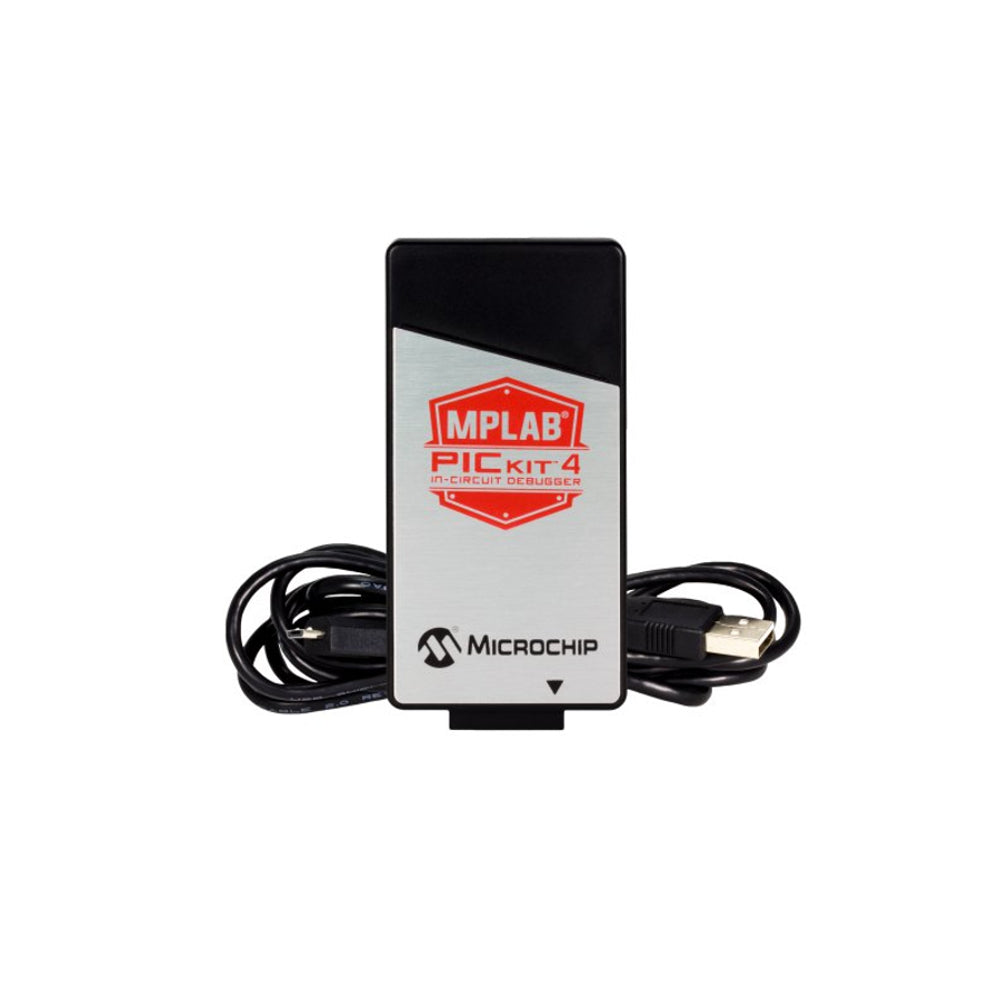
MPLAB® PICkit™ 4 In-Circuit Debugger / Programmer (PG164140)
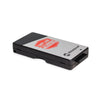
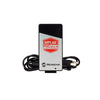
The MPLAB® PICkit™ 4 In-Circuit Debugger/Programmer is a powerful and easy-to-use development tool for PIC® and dsPIC® flash microcontrollers. It enables fast programming and real-time debugging using the MPLAB X Integrated Development Environment (IDE).Designed as the successor to the PICkit™ 3, the PICkit™ 4 offers faster programming speeds, a wider target voltage range, and support for more advanced debugging interfaces. It automatically matches the target device clock speed, ensuring optimal performance while programming or debugging.
The PICkit™ 4 is powered via USB 2.0 and can also be self-powered from the target device. With support for Programmer-to-Go (PTG) and an onboard microSD card slot, developers can store firmware and program devices in the field without a computer, making it an ideal tool for both development labs and production environments.
Technical Details
- Type: In-Circuit Debugger / Programmer
- Tool Application: Debugging and Programming
- Supported MCU Families: Flash-based PIC® and dsPIC® MCUs
- Core Architecture: PIC®, dsPIC®
- Development Environment: MPLAB X IDE
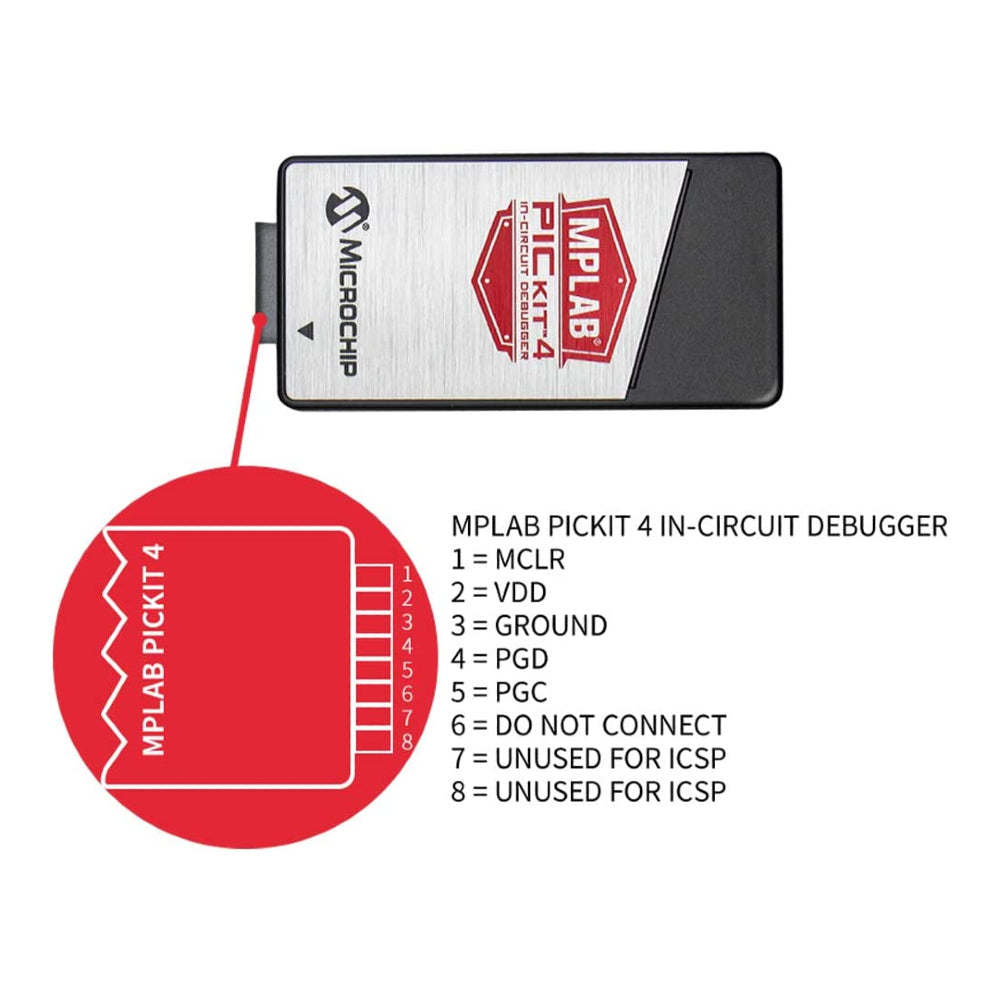
- Programming Interfaces: ICSP™, 2-wire JTAG, 4-wire JTAG, SWD
Features
- High-speed programming and real-time debugging
- Faster programming compared to PICkit™ 3
- 8-pin single in-line header interface
- Automatically matches target device clock speed
- Wide target voltage support (1.20 V – 5.5 V)
- Can be powered directly from the target (2.7 V – 5.5 V)
- Low current draw (<100 µA) when powered from target
- USB-powered (USB 2.0), no external power supply required
- Can supply up to 50 mA to the target from USB
- Programmer-to-Go (PTG) support
- Onboard microSD card slot for standalone programming
- One-touch programming via integrated logo button
- Upgradeable firmware for future device support
- CE and RoHS compliant
Applications
- PIC® and dsPIC® microcontroller development
- Embedded firmware debugging
- In-circuit programming of microcontrollers
- Production and field programming
- Educational and training labs
- Industrial and commercial embedded systems
- Standalone programming using Programmer-to-Go
Physical Attributes
- Dimensions (L × W × H): 85 × 40 × 10 mm
- Connector Type: 8-pin single in-line header
- Enclosure: Compact plastic housing
- Net Weight: Approx. 73 g
Package Includes
- 1 × MPLAB® PICkit™ 4 In-Circuit Debugger/Programmer (PG164140)
Related items


₹ 269.00
₹ 349.00


₹ 399.00
₹ 599.00


₹ 129.00
₹ 199.00